Check your email for a sign-in link (expires in
15 minutes). Click it on this device and your download will start.
Report an issue
Tell us what went wrong with this conversion. It goes
straight into our quality queue, and if the conversion genuinely failed
to deliver, we'll re-credit it.
Thanks, this has been flagged for review.
Send feedback
Anything you'd change, anything that annoyed you,
anything you wish this did. It goes straight to a human.
Thanks. We've got it, and we read every one.
0
Never expire
30-day refund
Failures re-credited
Checkout by Paddle, our merchant of
record. VAT or sales tax is added where applicable.
img2ppt.ai is an AI-powered image to PPT converter. Every
heading, box, arrow and icon comes back as a real PowerPoint
object you can retype, recolour and drop into your own deck.
Works with any image generated byChatGPTGeminiClaude
Editable vector icons
Auto-deletion on time
No subscription
Drop your AI masterpiece here
We'll handle the boring part
Drop an image here, or click to choosePNG · JPG · WEBP · or paste a screenshot
Your image is used only to build your PowerPoint
You can close this page. The conversion keeps
running, and it’ll be waiting in your history when you come back.
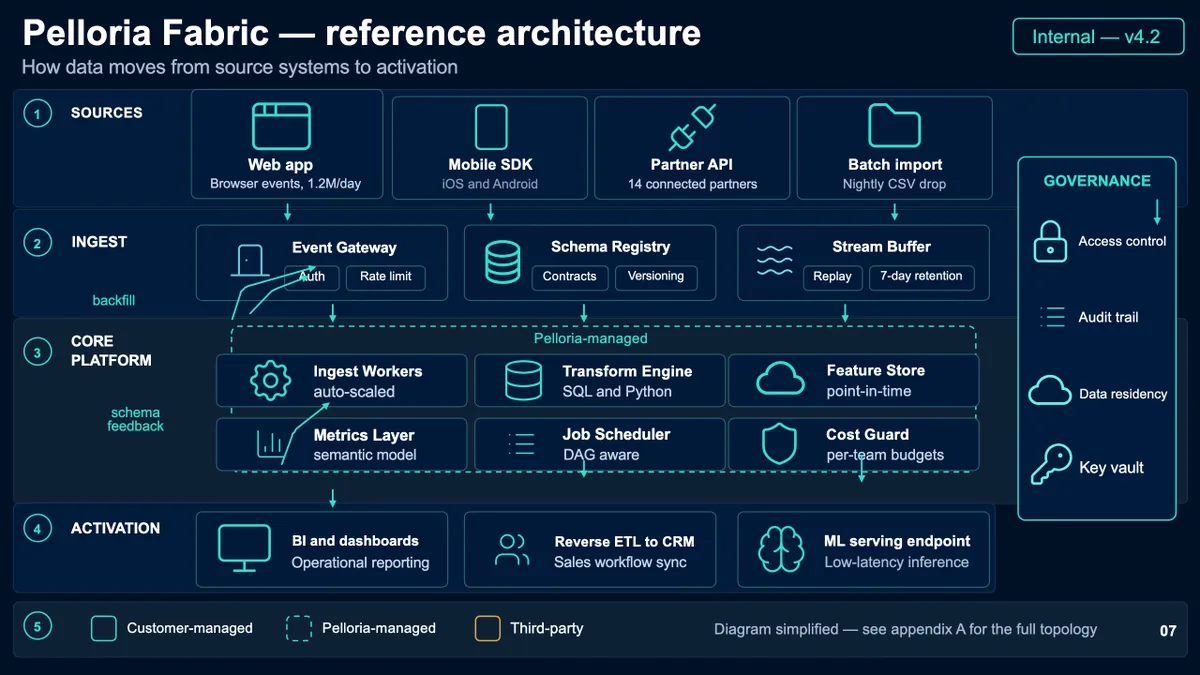
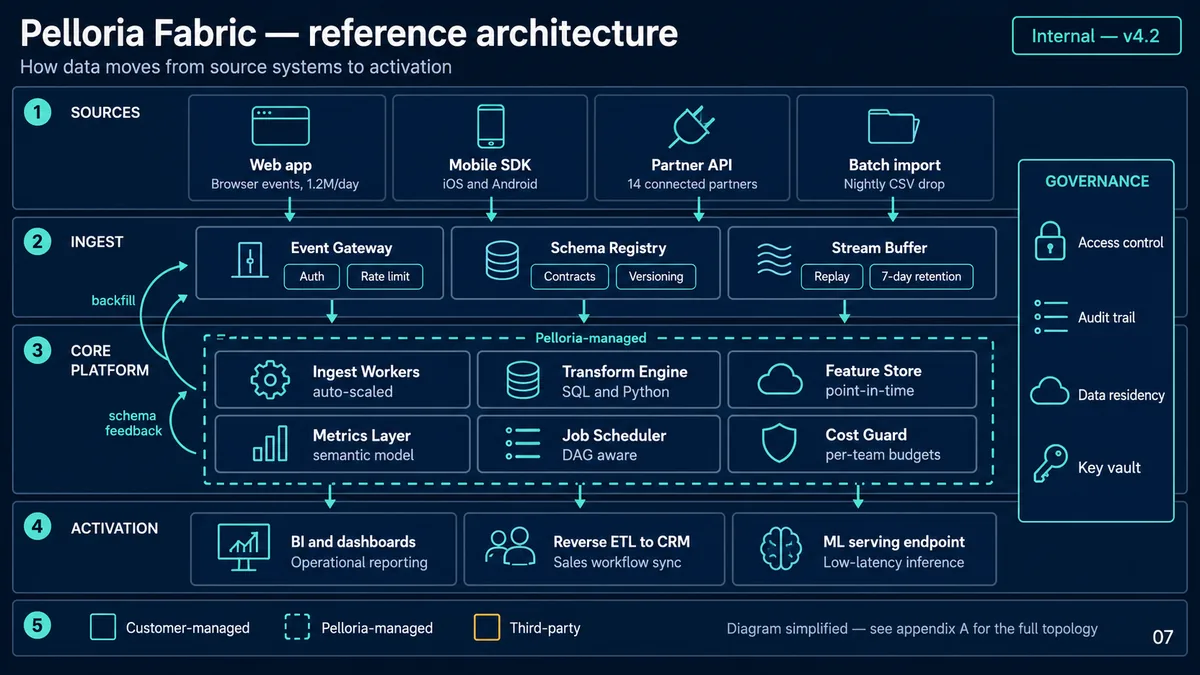
60 text boxes, 61 shapes and iconsImage: GPT Image
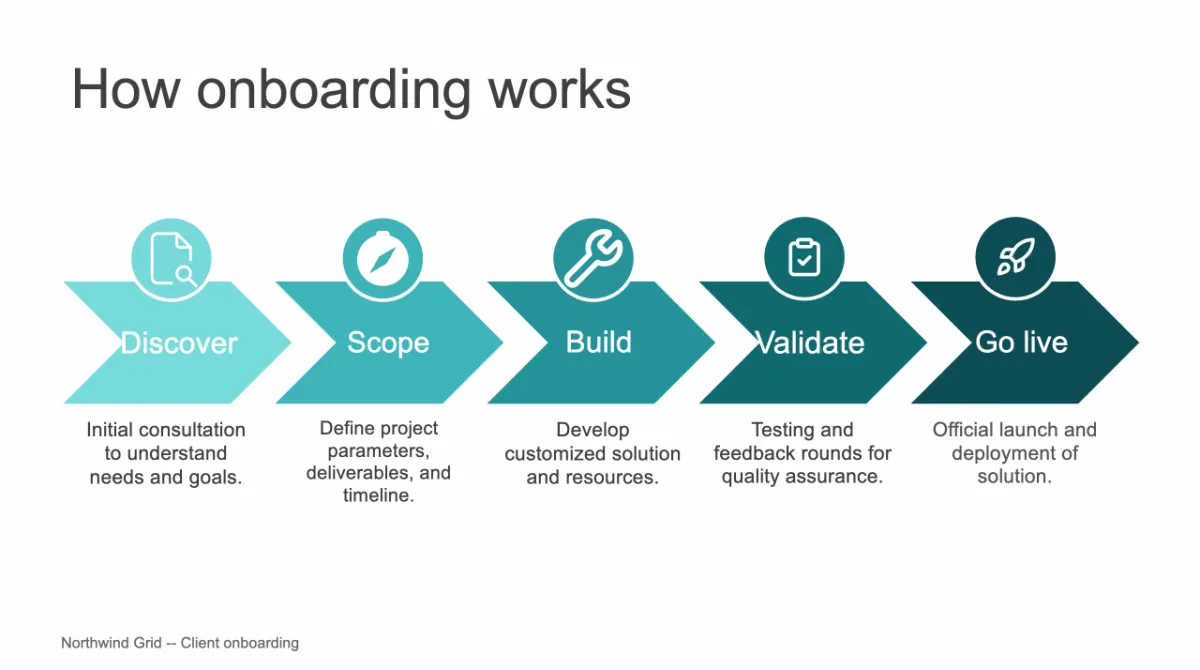
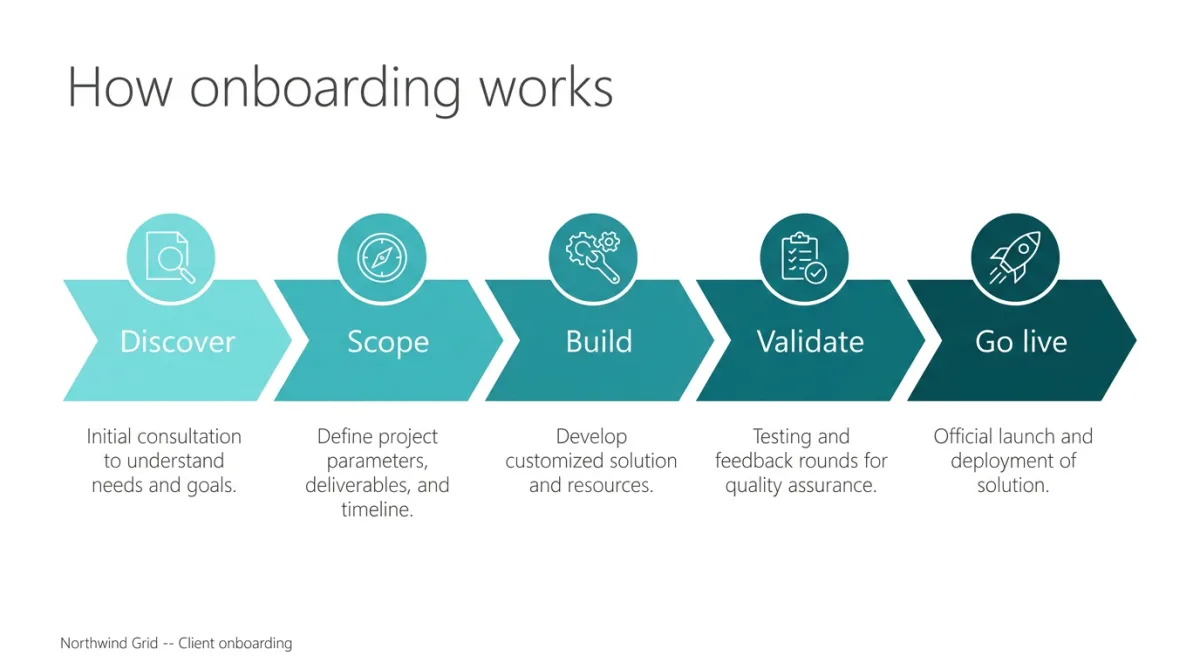
Five-step process flow27 editable objects
12 text boxes, 15 shapes and iconsImage: Nano Banana Pro
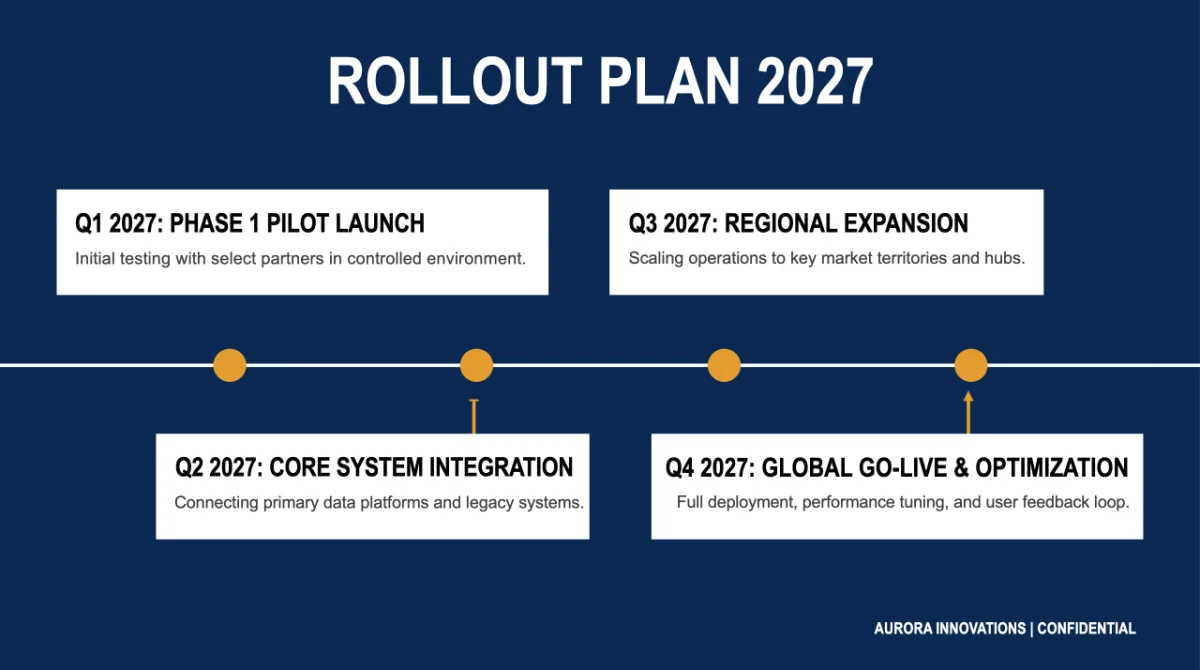
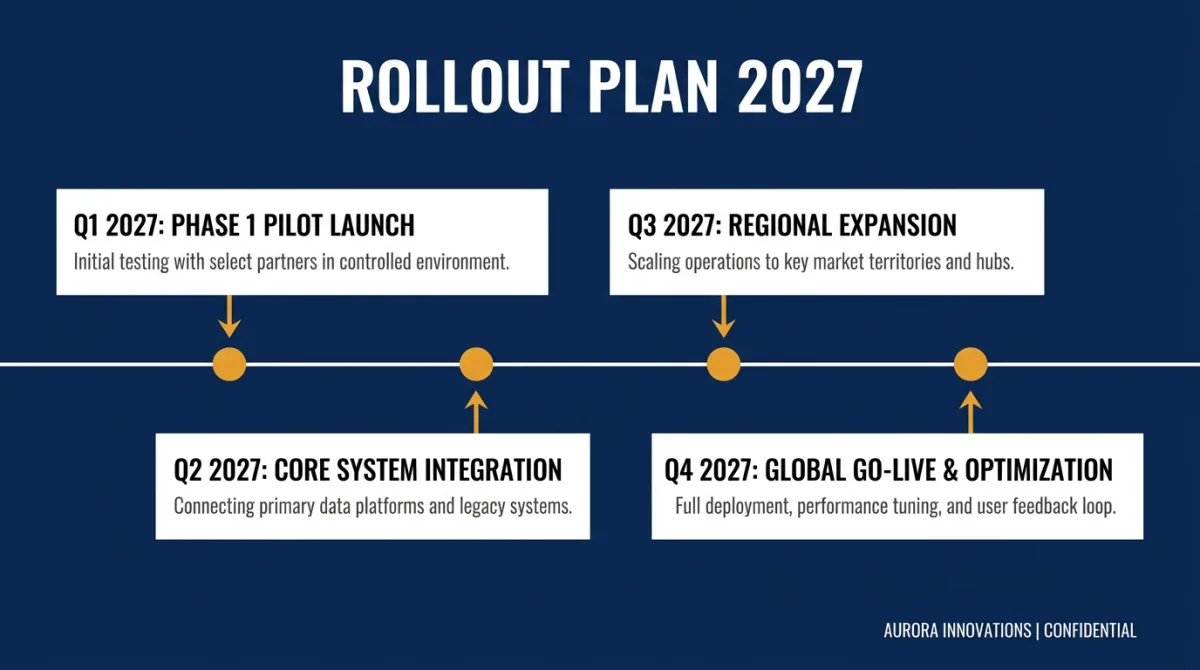
Quarterly rollout timeline19 editable objects
10 text boxes, 9 shapesImage: Nano Banana Pro
“Editable” is the whole point
Editable means retyping the heading, recolouring the
whole flow to match your template, pulling one icon out to reuse, and
scaling the slide up without it going soft. A picture on a slide gives
you none of that.
an editable object (every object on
this slide is one)
What PowerPoint gives youThrough img2ppt.ai
127
single imageeditable objects
You can move it and resize it. You cannot
change a word of it, recolour anything, or reuse one icon somewhere
else. It is one picture, and it stays one picture.
12text boxes
15shapes and icons
Each one selectable and yours to move. The chevrons are
real AutoShapes, so recolouring the whole flow is one click. On
this slide nothing came back as a picture, so all 27 objects
are editable; where that does happen is a logo or a piece of
artwork we have no match for.
Your slides are somebody’s confidential deck
You are probably holding material that isn’t
yours to leak. So, plainly: it stays yours, it trains nothing, and it
deletes itself whether or not you remember to ask.
It deletes itself on a clock
Your image, the .pptx and the preview are erased automatically.
Nothing to press, nothing to ask us for.
7 days
if you never download it
30 days
after you do
It stays yours
Never sold, never handed on, and we claim no ownership of what
you send or what comes back. Our own access is limited to
debugging a job you reported.
Nothing here is training data
We train nothing on your uploads. Reading one does mean sending
it to a third-party AI service, under its own terms. Each one
is named in the Privacy Policy.
No trackers, no ad networks
No analytics service, no ad pixel, no fingerprinting. The one
third-party request this page makes on load is to Google Fonts, for
the typeface; opening checkout loads Paddle, our payment
provider.
A broken run costs you nothing
An error re-credits itself. If it finishes and the result is
unusable, report it and we re-credit that too. Packs
are refundable for 30 days.
Frequently Asked Questions
If your question isn’t answered here, write to us.
How good is the result, honestly?
Most slides come back close enough that you spend a minute tidying up in
PowerPoint instead of an hour rebuilding. Clean exports and screenshots of
business slides (cards, chevrons, matrices, hub diagrams) do
well; you can judge for yourself from the gallery above, which is
unretouched.
What drifts: licensed display fonts get swapped for the nearest thing
available, very small text can lose a character, and an unusual icon
sometimes resolves to the closest match in our library rather than the exact
original. A logo or a piece of artwork we have no match for comes
back as a trimmed image rather than a shape, which is the one thing on the
slide you cannot then edit. If a result is unusable, report it on the job
and we re-credit it.
Is this an image to PPT converter? How is it different from the other AI ones?
Yes. An image goes in and a .pptx comes out. The difference is what comes back. Most AI image-to-PPT tools build a new deck around your picture, or read the words out of it and pour them into one of their own templates; you end up with their design holding your content. img2ppt rebuilds the slide in front of it with the same layout, the same colours and the same icons, separated into real PowerPoint objects you can select and change.
So the question worth asking is which one you want. If you have no design yet, a generator is the better tool. If you already have a slide you like and the problem is that it is a picture, this is the one.
I made the slide in ChatGPT, Gemini or Claude. Will it work?
That is the case this is built for. Image models got good enough at laying out slides that people design them in a chat window, and then the chat window hands back a PNG: the text looks real and cannot be clicked, and changing a single number means regenerating the whole picture and losing the version you liked.
Export at the largest size the tool offers and drop it in. Nothing in the conversion depends on which tool drew the image. It reads pixels, so a generated slide, a screenshot and an export all arrive the same way. Sharp beats blurry every time.
Will it handle my kind of slide?
The types that do well are the ones business decks are made of: process and workflow slides, lifecycle and loop diagrams, hub-and-spoke wheels, feature and benefit grids, capability matrices and 2×2 frameworks, pillars, architecture diagrams, timelines and comparison tables. The gallery above proves them one archetype at a time. The ones shown there today are an architecture diagram, a process flow and a timeline, each with the object count read out of the real file, and more are being added.
Where it is weakest: logo walls and partner grids, because a mark we have no match for comes back as a trimmed image rather than a shape; and chart-heavy or data-dense slides, which we have not proven well enough to claim. One image becomes one slide, so a deck gets converted a slide at a time.
How is this different from just inserting the picture?
Insert → Picture gives you exactly one object: your image, sitting on
a slide. You can move it. You cannot edit it. img2ppt gives you the slide
rebuilt out of real PowerPoint objects: text boxes with real text,
AutoShapes with real fills, vector icons, individual lines, typically
dozens to a hundred or more of them. Every pair in the gallery above
gives its exact count, read out of the .pptx you can download from the card
and check yourself, including anything on the slide we could not
rebuild as a shape.
How long does it take?
The conversion itself takes about 75 seconds at the median across every
run in our logs, and 89% land inside two minutes. On the model we run in
production the median is nearer 85 seconds, and a very dense diagram can
reach three minutes.
The timer on the page is deliberately less flattering than that: it counts
from the moment you hit Start, so if another conversion is ahead of you it
includes the wait. You don’t have to sit and watch. The job
keeps running if you close the tab.
What kind of image works best?
A sharp export or a full-resolution screenshot beats a photo of a screen
or a projector every time. Skew and glare cost you more than
resolution does. PNG, JPG and WEBP are accepted, and one image becomes one
slide, so crop to a single slide before uploading.
Do my fonts and brand colours survive?
Colours, yes. They are sampled from the pixels, so brand coral
stays brand coral rather than becoming “close enough” orange.
Fonts are harder. We identify the text and set it in a font your machine
actually has, which means a licensed or hand-drawn display face is replaced
by the nearest system equivalent. If your deck is built on a specific
corporate font, expect to select the text and reapply it, which takes
seconds, because it is real text.
Where does my image actually go?
To our server, and from there out to a third-party AI service that reads
the image so we can rebuild it. In practice that is a routing provider plus
whichever model vendor it forwards the request to, each processing the image
under its own terms. The Privacy Policy lists the
services we may route through. We do not train any model on your uploads,
and we don’t sell or share them with anyone else.
If a specific client’s material can’t leave your own
infrastructure, this tool is not the right home for it. We would rather say
so than win the upload.
How long do you keep my files?
Your image, the generated .pptx and the preview are deleted
automatically: 7 days after a conversion you never downloaded, 30 days after
one you did, and 7 days after one that errored or was never claimed by
signing in. The bare job record (no files) is kept for metrics and abuse
prevention. Full detail is in the Privacy
Policy.
Do I need an account?
Not to convert. You can drop an image in and watch it run without signing
up, three times. That is the whole anonymous allowance. An account is
needed to download the .pptx, and it is also what ties a conversion to you
so it is waiting next time.
Signing up puts 3 credits on your balance. Claiming a conversion you ran
anonymously spends one of them, so if you use all three anonymous runs
first, the grant covers exactly those three and your balance lands at
zero.
What does it cost?
Credit packs, bought once. One credit converts one image, credits never
expire, there is no subscription and nothing renews on you. Current prices
are on the pricing page, deliberately not
repeated here so this answer can never quote a stale one.
What happens if a conversion fails?
If the job errors, the credit is returned automatically, and you
don’t have to ask. If it finishes but the output is unusable, hit
“Report issue” on the job and we re-credit it, and the report
goes into the queue we use to fix the underlying problem. Beyond that, any
pack is fully refundable within 30 days; see the
Refund Policy.
Can it do a whole deck, or a PDF?
Not yet. Today it is one image in, one slide out. Multi-slide decks and
PDF input are the two things asked for most, and they are what we are
working towards, but we would rather ship one slide that is genuinely
editable than twenty that are nearly right.
Can I edit the result on a Mac, or in Google Slides?
It is a standard .pptx, so PowerPoint on Windows and Mac both open it,
and so do Keynote and Google Slides. Font substitution behaves differently
in each, which is the main thing you will notice moving between them.
Who is behind this?
img2ppt is built by Buzzinga Design LLP, a small team in Surat, India. It
is in beta, which is why there is a badge in the corner saying so. Mail
buzz@buzzinga.co and a human
reads it.